JJPhoto, with regard to screenshots....
On a PC I think you can hit the PrintScrn key, then open Paint....under Edit hit paste....you can then save it as a JPEG
On a MAC I think you hit Control /Shift / F3 and it will automatically put the screenshot on your desktop as a .png file
Then you can open the file in PP and edit / crop ....etc......etc...
Joel

 Reply With Quote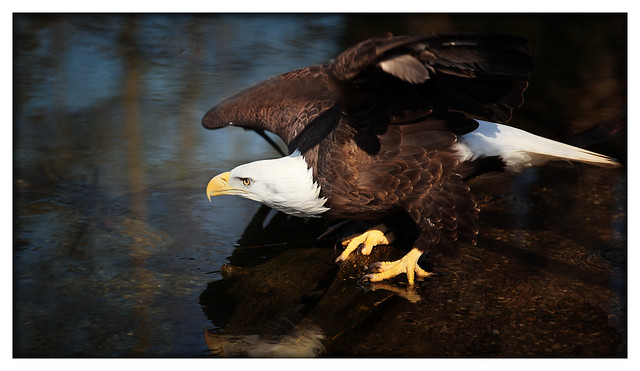

 Originally Posted by JJphoto
 ]I have to admit, I don't think clipping the wing was running through my mind at the time....more like "he knows I am too big, right?" [:P]That is the most I've tracked a bird. Lesson learned for meis topull back on the zoom a little quicker next time.