-
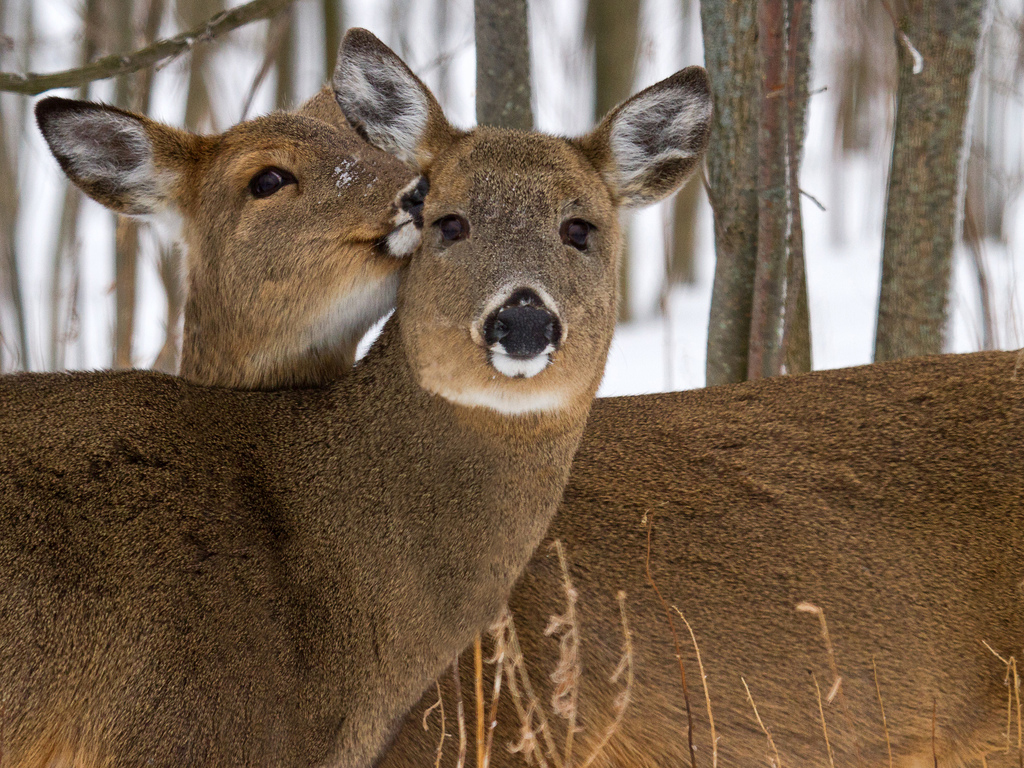
Yeah, that one is tough because of the nose on the deer on the left being almost totally hidden by the grass. Still, you did a fine job with it and it's another great capture. Like the deer were showing off for you.
Try working with layers, though. For the eye, you can use the lasso tool to draw a rough circle around the right eye (and include a good bit of fur), then hit Ctrl-J (or the Mac equivalent). That will create a new layer with just the eye. Then with that layer highlighted, choose Edit => Transform => Flip Horizontal. Then use the Move tool to move it over the eye with the grass in front. Then swap layer positions so the eye layer is below the full layer. Then use a layer mask on the full layer and slowly remove the grass. The eye in the layer underneath will begin to show through. Just take your time and don't try to do too much at once. I did the same thing with the ear. Just create a new layer with just the ear, then do the same as I said above with the eye. Just use the layer mask to paint out as much (or as little) as you need.
Here I did the bit with the eye on your earlier clone work. By using the right eye as a source, the left eye looks more natural.
 Posting Permissions
- You may not post new threads
- You may not post replies
- You may not post attachments
- You may not edit your posts
-
Forum Rules


 Reply With Quote