


The RAW files would be better to work on, but this is the best I could do with the JPG which has lost data by uploading and downloading and processing. The tree behind the cow looks fine to me. A CPL filter would have helped immensely here.
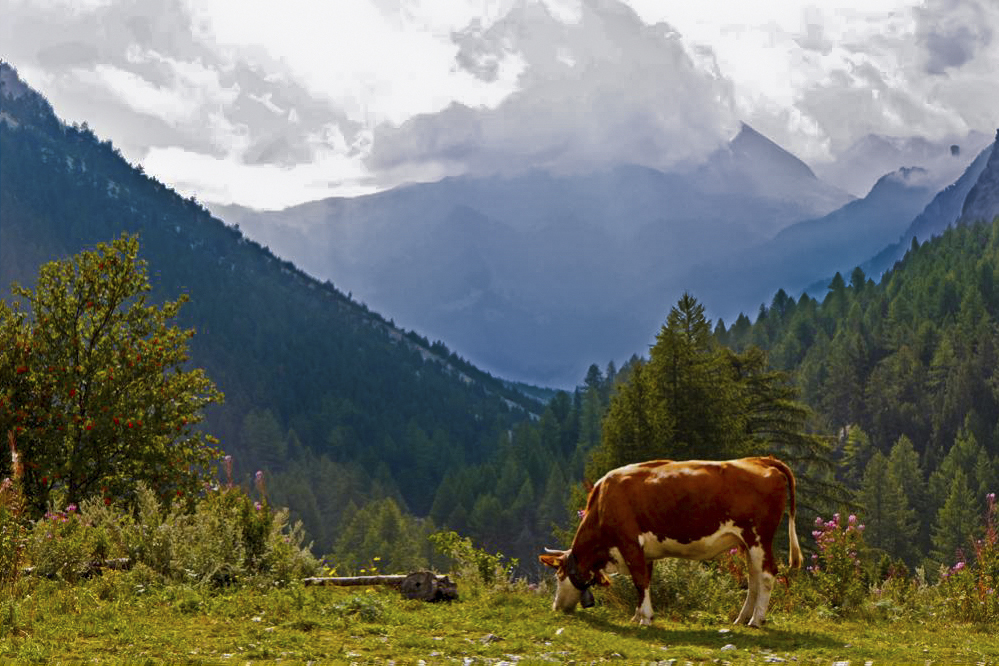


The RAW files would be better to work on, but this is the best I could do with the JPG which has lost data by uploading and downloading and processing. The tree behind the cow looks fine to me. A CPL filter would have helped immensely here.
Wow, these are all great. I'll have to take a while to look through all of them.
Lol that's just the thing I like about your edit Denise. It's fearless! Now I know when I should do edits that I'd like a little more artisticOriginally Posted by ddt0725

If you had the RAW file still, I would think that only changing the white-balance and perhaps adjusting the curves a little would have made a major impact on your shot.
Denise indeed yours are quite bold edits. While it's certainly not the way I would have went, as I don't like my pictures being that "flashy", it does bring out detail that was hiding in the original image.
Jan & Damian your two edits are quite similar. The white thing under the log is actually the road leading up to the parking lot I was standing in between two cars while I did my best to eliminate everything very obviously man-made from the shot.Of your two edits, I think I prefer Damian's version a slight bit, because for me Jan's is a bit too saturated, but that's just my personal preference and both are great edits.
Steve, the black & white really does add a lot to the image, seems there is some quite dramatic lighting in that blown out sky after all.
M_Six, it feels to me that while there has been a lot of detail brought out in the sky, the top left part looks a bit weird, sort of like a painting (I know there's a word for what I mean, but for the life of me I can't remember it...).
Thank you all for your edits and especially the explanations, I've already learned a lot!
No problem Patrick, glad we all could help out. It's also nice to see how many different approaches people have to editing a photo. Contrast, saturation, B&W, cropping, you name them...they are all very much affected by personal preference which is a nice thing
 Posting Permissions

 Reply With Quote