-
I'll bump this thread up a bit. I tried to color an old B&W image last week. This is the original and the result:

My grandparents original by Jan Paalman, on Flickr
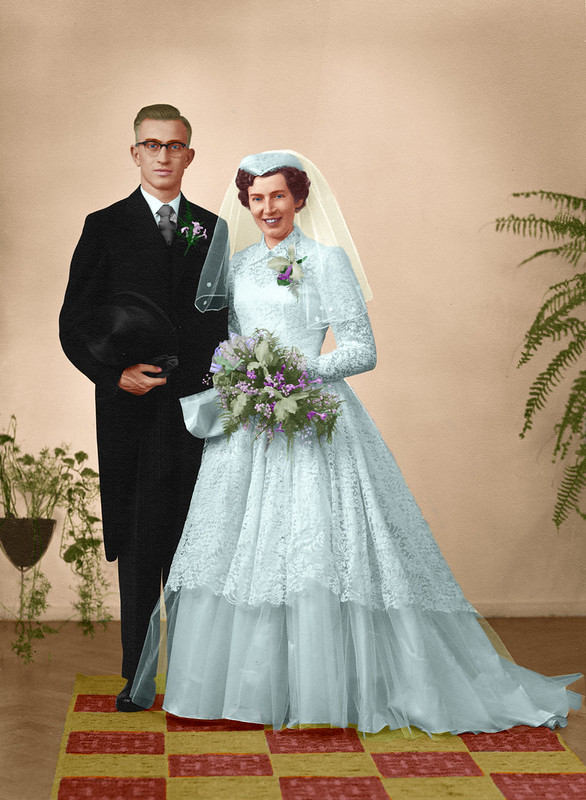
My grandparents by Jan Paalman, on Flickr
The process:
This image needed quite some work. 10 hours so far to be exact, but I must say that I was new to all of this. The PSD file is 1.4 GB and the image has 30 layers on top of the original file.
The coloring itself isn't actually that hard. It is done by adding a color balance layer and masking the area's that you want to "paint". With each color balance layer you need to create your own color and I think this is the hardest part. To get the colors right. The layer exists of a 3 tones color balance. You can set a specific color for shadows, highlights and mid-tones. For most of the layers I kept it easy and just worked with one of the tones.
Last edited by Sheiky; 10-17-2012 at 07:48 PM.
 Posting Permissions
- You may not post new threads
- You may not post replies
- You may not post attachments
- You may not edit your posts
-
Forum Rules


 Reply With Quote